 By admin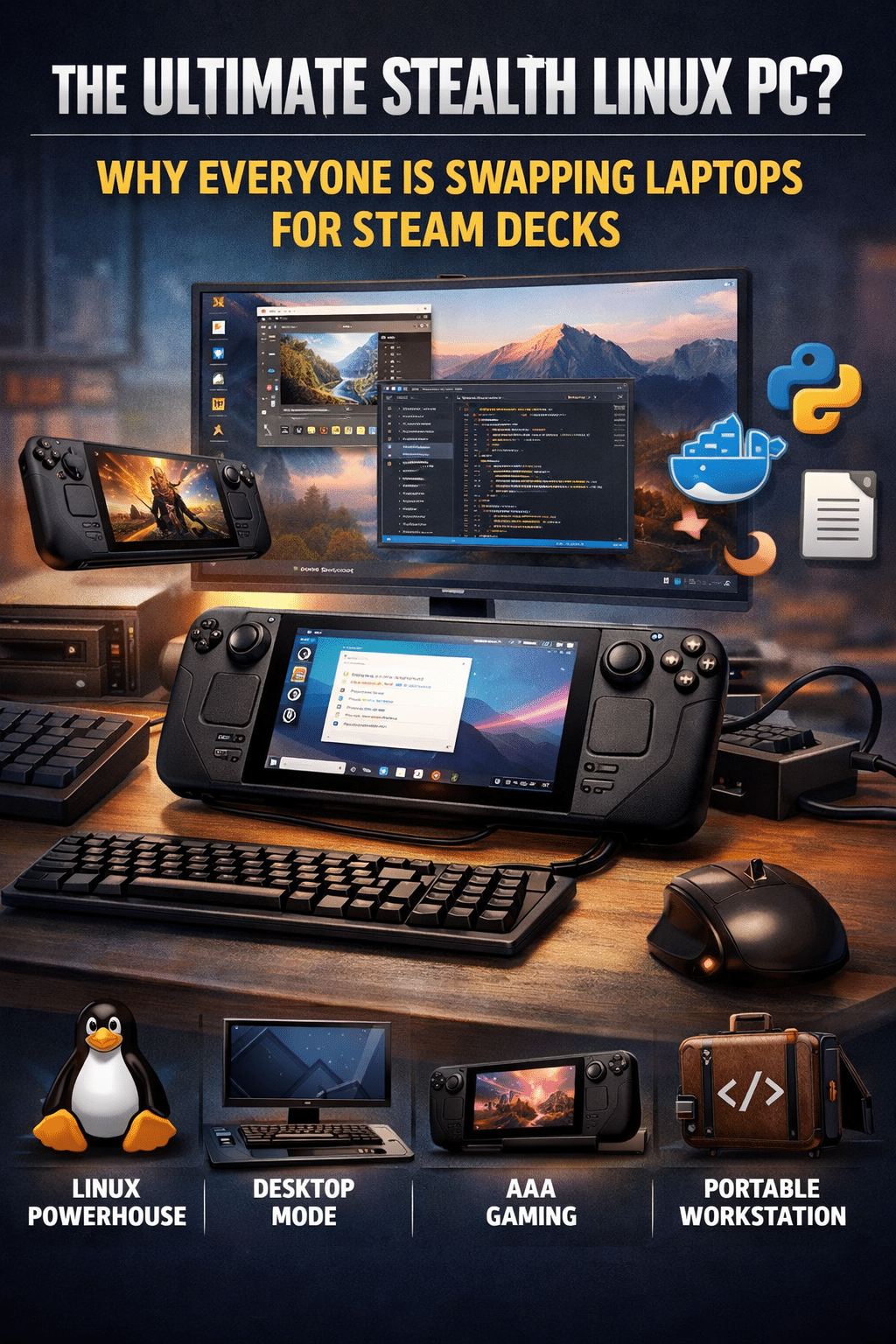
In 2026, steam deck is no longer just a gaming console – it’s a revolution in portable computing era. While valve built it to dominate your steam library, this compact powerhouse has quietly become one of the most compelling Linux PC alternatives on the market.
But can a handheld portable device can really replace your traditional desktop PC? We’re breaking down the performance, the “Desktop Mode” secrets, and whether you should ditch your laptop for a Deck.
Learn Web Development 🚀
Start your journey in programming today with interactive and hands-on courses.
Join Discord
What is the Steam Deck, Really?
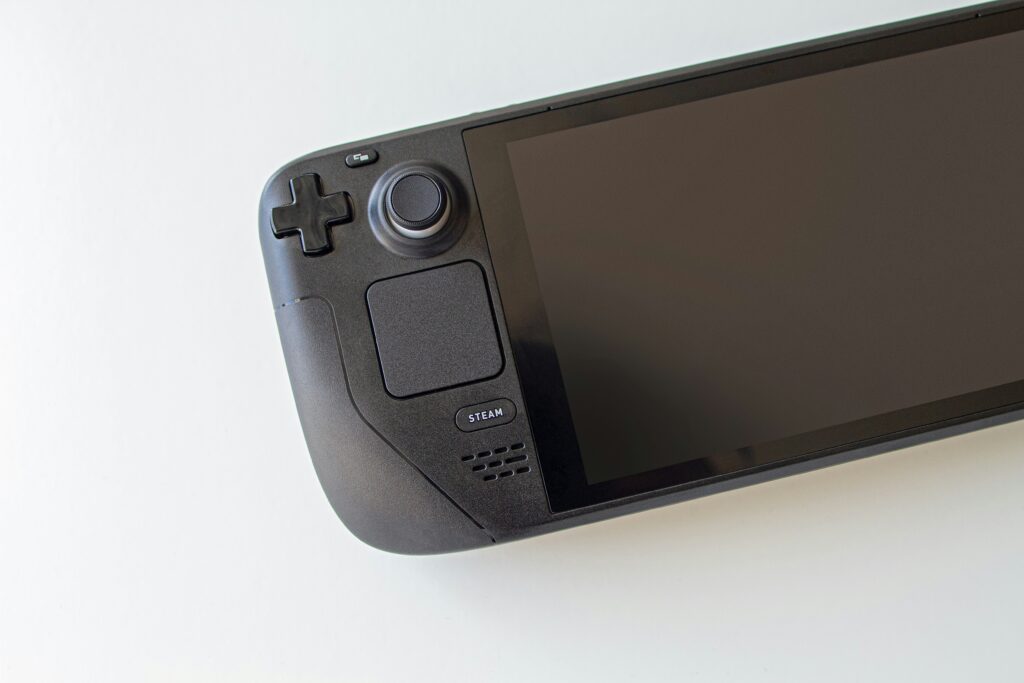
As it’s core, the Steam Deck is a handheld PC running SteamOS – an Arch-based Linux distribution. While the gaming interface is what you see first, a few taps unlock a full-featured Desktop Mode.
By simply docking the device, you transform it into a workstation capable of:
- Professional Web Development: It’s a dream for Ruby on Rails or Node.js developers. You can run local servers, manage Docker containers, and use Git effortlessly within a native Linux terminal.
- Content Creation & Productivity: Beyond browsing, it handles LibreOffice, GIMP for photo editing, and complex document management without breaking a sweat.
- Full Desktop Scalability: Via a single USB-C cable, you can drive 4K monitors and connect all your mechanical peripherals, turning the ‘handheld’ into a stationary powerhouse.
4 Reasons the Steam Deck is a “Linux Killer”
- Zero-Config Linux (It just works)
Unlike traditional hardware where you might fight with Wi-Fi drivers or power management , the Steam Deck is pre-optimized. Graphics drivers, audio, and system kernels are tuned by Valve for maximum stability right out of the box.
- The power of “Desktop Mode”
The transition from gaming to productivity is seamless. You get a clean, KDE plasma-based desktop environment that supports nearly any Linux application. Whether you’re a student or a professional developer, it feels like a “real” computer because it is the one.
For a Ruby on Rails developer, the power of Desktop Mode lies in its Arch-based roots. Unlike other ‘mobile’ OSs that lock you out of the system, SteamOS gives you full access to the terminal. You can install Docker, manage different Ruby versions using rbenv, and run a full development stack without any virtualization lag. It’s not just ‘simulating’ a PC; it is a native Linux environment that handles heavy-duty compilation and server tasks surprisingly well.”
- Unbeatable Value-to-Performance
Try finding a Linux laptop or Mini PC for under $500 with an AMD APU this capable. You are getting gaming-grade hardware and fast NVMe storage at a price point that undercuts most mid-range office laptops.
- The Hybrid Lifestyle
It’s the only device that is simultaneously:
- A AAA gaming console for commute
- A docked workstation for your office
- A portable “travel lab” for developers
This hybridity is anchored in the Open Source movement. Because Valve utilizes Proton and Wine–open-source compatibility layers–the device isn’t a ‘walled garden.’ You have the freedom to install alternatives stores like Heroic and Lutris, ensuring that your ‘travel lab’ isn’t just limited to Steam, but acts as a truly open portal to all your software and games.
The Reality Check: Where it Fall Short
The Steam Deck is powerful, but it isn’t magic. Before you commit, consider these hurdles:
- The Peripheral Tax: To use it as a PC, you must invest in a USB-C dock, keyboard, and mouse.
- The Screen Limit: The 7-8 inch screen is a nightmare for spreadsheets or long coding sessions. An external monitor is mandatory for productivity.
- Thermal Throtlling: While great for light multitasking, it won’t replace a workstation for 4K video rendering or heavy 3D modeling.
- Gameplay Limitations:
- The Anti-Cheat Barrier: While the hardware is capable, some software remains off-limits. Many popular multiplayer titles like Valorant or Call of Duty use kernel-level anti-cheat that is currently incompatible with Linux. This means that despite the power, some of world’s biggest games simply won’t run unless you go through the complex process of dual-booting Windows.
- Battery vs. Performance: There is a trade-off between power and time. If you are running a high-end AAA game or a massive software build, the battery can drain in under 90 minutes. For true productivity, you are effectively ‘tethered’ to a power outlet.
At a Glance: Steam Deck VS Traditional PC
|
Feature |
Steam Deck |
Traditional Linux PC |
|
Portability |
⭐⭐⭐⭐⭐ (Handheld) |
⭐⭐ (Bulkier) |
|
Setup Time |
Instant (Pre-installed) |
Variable (Manual Config) |
|
Raw Power |
High (for its size) |
Unmatched (Desktop scale) |
|
Upgradability |
Limited (SSD only) |
Full (RAM, GPU, CPU) |
|
Price |
Affordable / Value-heavy |
Higher for similar specs |
The Verdict: Should You Make the Switch?
The Steam Deck is the perfect “Daily Driver” for:
- CS Students and Hobbyist Developers who needs a portable Linux environment
- Open-source Enthusiasts looking for a stable, supported Linux device
- Minimalists who want one device to rule their gaming and their work.
The Open Source Philosophy:
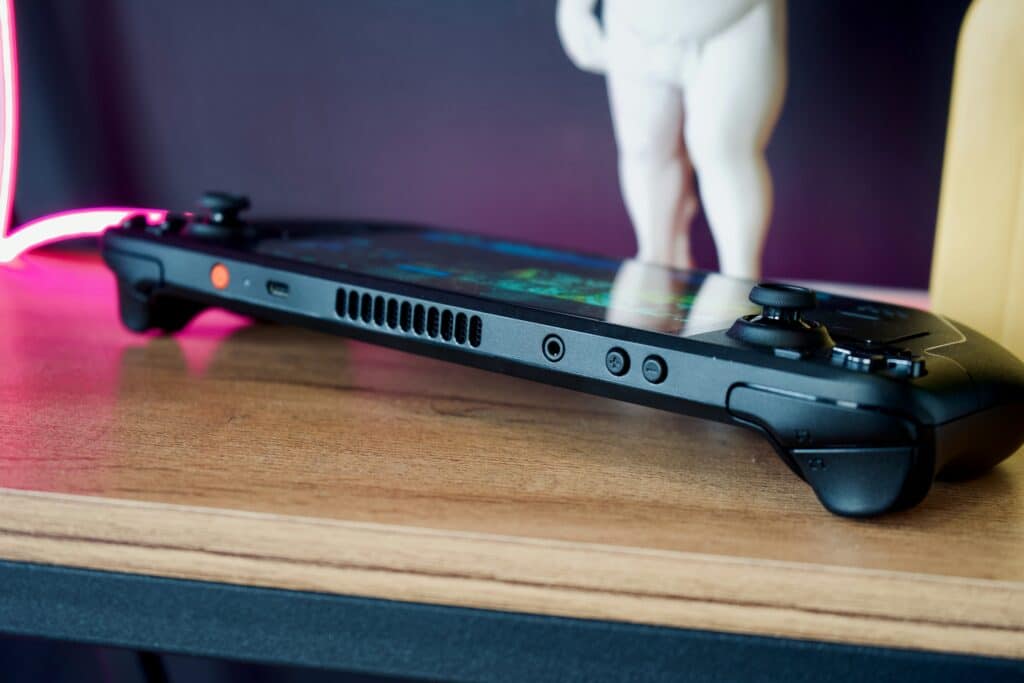
What truly sets the Steam Deck apart in 2026 is its contribution to the Open Source ecosystem. Valve’s ‘Right to Repair’ attitude is a breath of fresh air; you can swap the SSD, change the OS, and customize the hardware without voiding your sense of ownership. By choosing a Steam Deck over a traditional laptop, you are supporting a future where hardware is open, software is community-driven, and the user–not the manufacturer–is in total control.
Bottom Line:
If you aren’t doing heavy video production or high-end rendering of 3D, the Steam Deck isn’t just a “viable” alternative – it might prove you the most versatile computer you ever owned.
Join Railway
Donate via PayPal