 By admin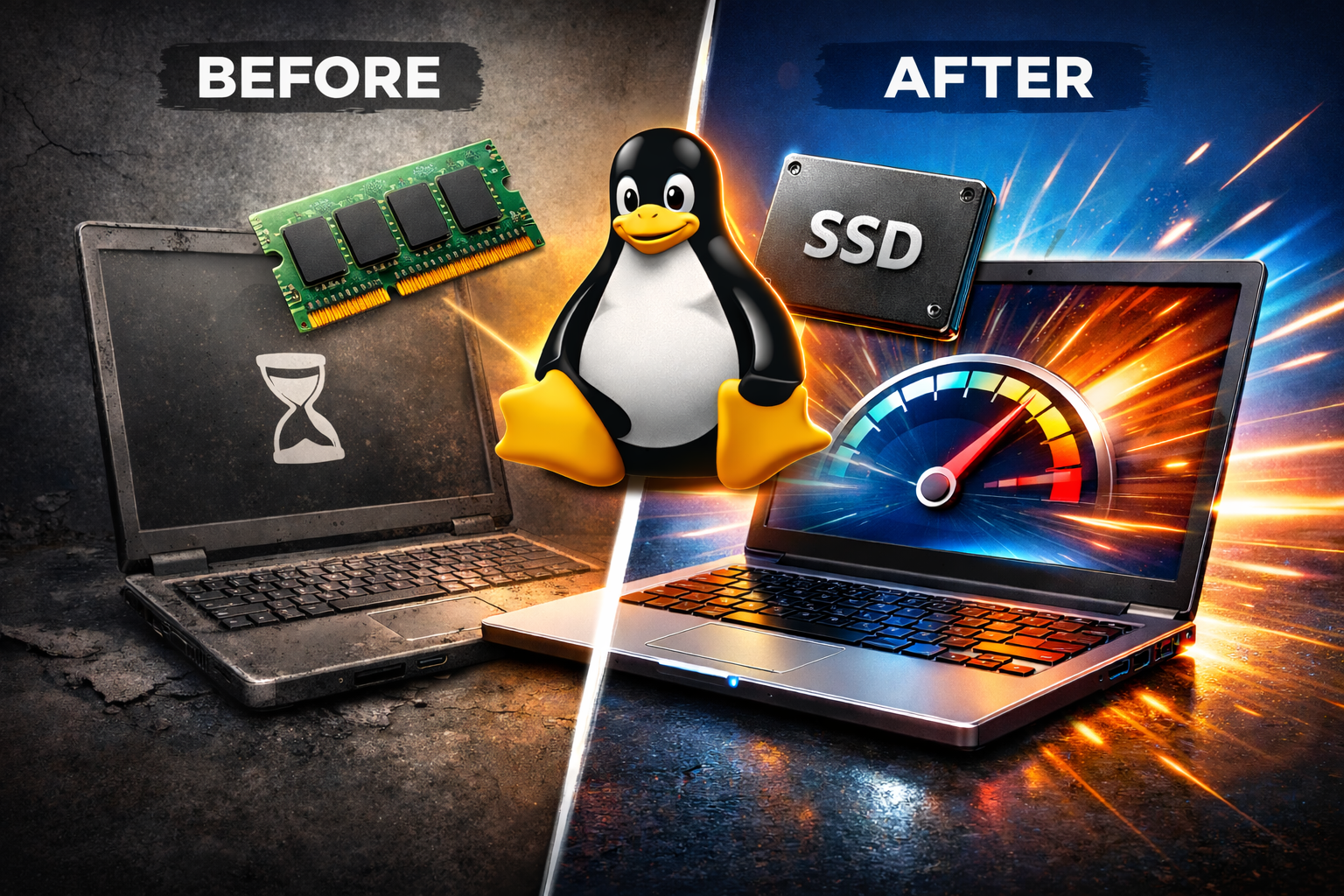

Learn Web Development 🚀
Start your journey in programming today with interactive and hands-on courses.
Join Discord
Do you have an old laptop sitting in a drawer? Before buying a new one, consider three upgrades that can completely transform its performance: upgrading RAM, installing an SSD, and switching to Linux.
In this article, I’ll explain how these three changes can give a second life to an old laptop — with real improvements in speed, responsiveness and productivity.
Why Do Old Laptops Become So Slow?
Over time, operating systems become more demanding, software requires more resources, and traditional hard drives (HDDs) become the main performance bottleneck.
Many laptops that originally shipped with Windows 7 or Windows 8 struggle to keep up with modern demands — especially with only 4GB of RAM and a mechanical hard drive.
The good news? In most cases, the hardware is still perfectly usable.
1️⃣ RAM Upgrade: More Breathing Room for Your System
RAM is essential for multitasking. If your laptop has only 4GB of RAM, the system is likely relying heavily on the disk to compensate for the lack of memory — which slows everything down.
Benefits of upgrading to 8GB (or more):
- Faster application launches
- Better browser performance with multiple tabs
- Fewer freezes and slowdowns
- Improved video conferencing experience
In many older laptops, upgrading to 8GB is simple and relatively affordable. It’s one of the best cost-effective performance improvements you can make.
2️⃣ Replacing the HDD with an SSD: The Most Impactful Upgrade
If there’s one upgrade that truly makes a difference, it’s replacing the traditional hard drive with an SSD (Solid State Drive).
An HDD relies on moving mechanical parts. An SSD uses flash memory, making it significantly faster and completely silent.
Real-world differences:
| HDD | SSD |
|---|---|
| Boot time: 1–2 minutes | Boot time: 10–20 seconds |
| Slow app loading | Near-instant app launch |
| More noise and heat | Silent and energy-efficient |
After installing an SSD, the laptop genuinely feels like a different machine.
3️⃣ Installing Linux: Lightweight and Efficient
The third step to revitalising an old laptop is installing a lightweight and optimised Linux distribution.
While modern Windows versions can be heavy on older hardware, Linux is well known for running smoothly even on ageing machines.
Some recommended distributions include:
- Linux Mint — Great for beginners
- Ubuntu — Popular and well supported
- Lubuntu — Ideal for low-spec machines
- Zorin OS — Familiar interface for Windows users
Advantages of using Linux on an old laptop:
- Lightweight system
- Lower resource usage
- Improved security
- Free updates
- Excellent performance for everyday tasks (web browsing, office work, media)
The Final Result: A Laptop That Feels New Again
After these three upgrades, you can typically expect:
✅ Fast boot times
✅ Smooth browsing
✅ Reliable multitasking
✅ Stable system performance
✅ A much more enjoyable overall experience
Many users report that their upgraded laptop remains perfectly usable for another 3 to 5 years.
Is It Worth Upgrading an Old Laptop?
If your laptop:
- Still powers on and functions
- Has at least a dual-core processor
- Allows RAM upgrades
- Supports a SATA SSD
Then yes — it’s absolutely worth it.
With a relatively small investment, you can avoid buying a new laptop and reduce electronic waste.
Conclusion
Upgrading RAM, installing an SSD and switching to Linux are three simple steps that can dramatically improve the performance of an old laptop.
Before giving up on your machine, consider this solution. Often, it’s not the laptop that’s outdated — it’s the storage and operating system that need an upgrade.
Join Railway
Donate via PayPal